ReluxTunnel
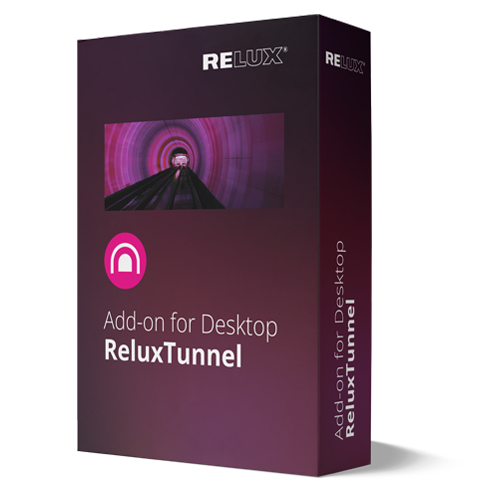
ReluxDesktop Add-On for the calculation of tunnel projects. Standards considered: 12-month license—This license automatically renews for another 12 months upon expiration. You can deactivate the automatic renewal in your personal account up to 11 days before the license expires.
| License Duration: 12 months |
Handling licences & subscriptions
Licence
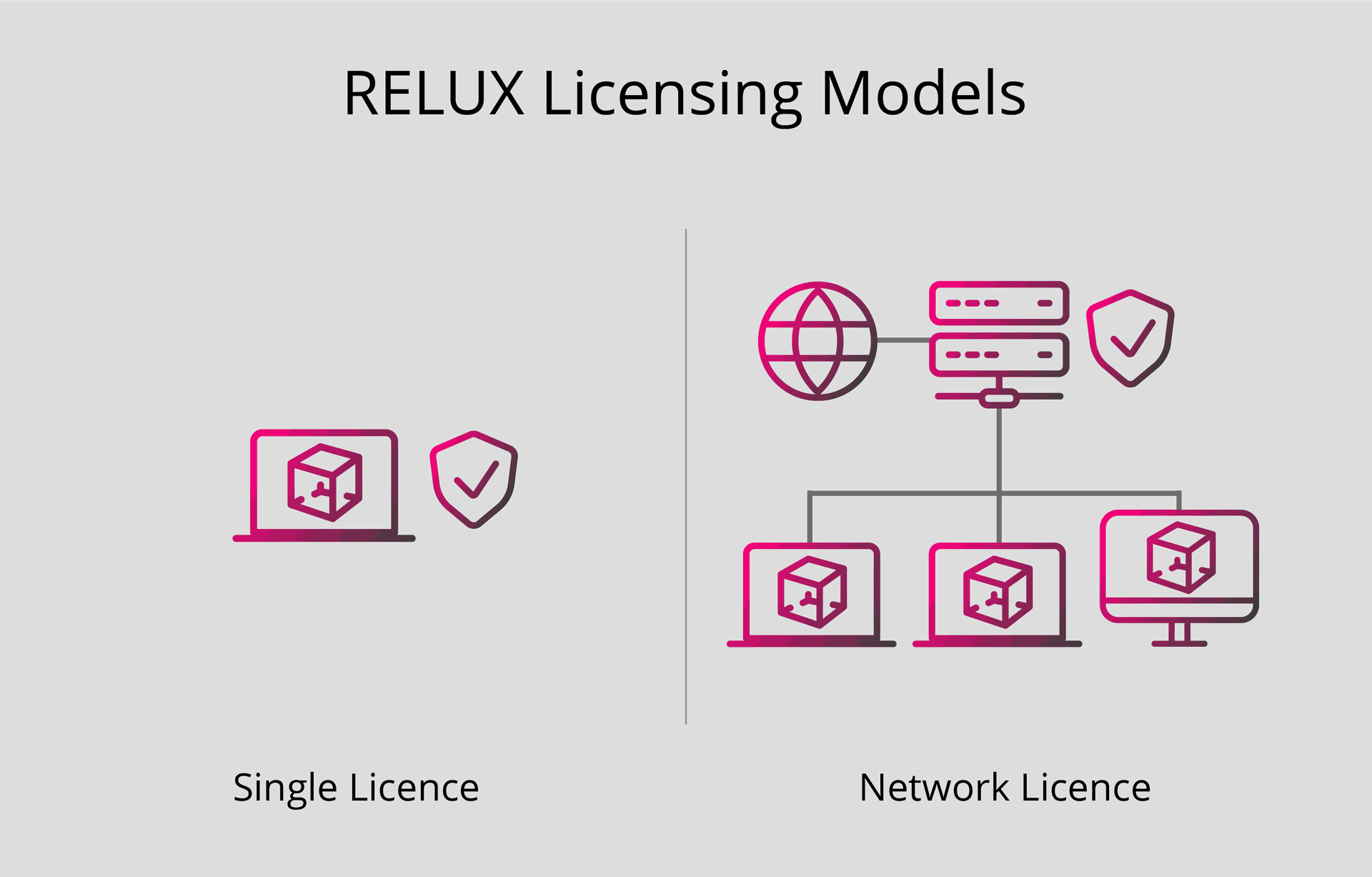
RELUX offers two types of licence: single-user licences and network licences. Both are tied to a computer, a server or, optionally, a USB hardlock.
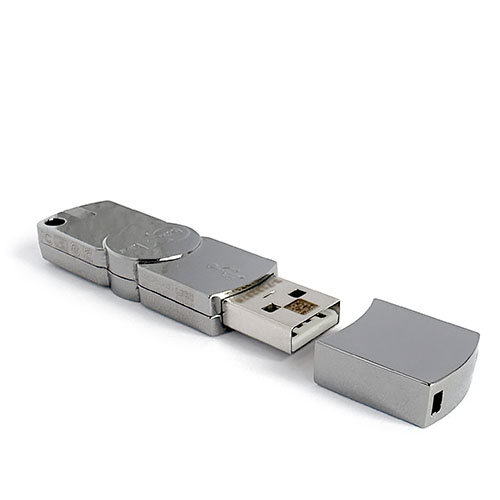
Single-user licences are intended for use on one specific device and can only be used there. For greater flexibility, the licence can be stored on a RELUX USB hardlock. This allows ReluxDesktop to be used on different computers or while travelling, simply by connecting the hardlock to a PC or server.
Network licences are installed centrally on a server and are available to all users within the network. They work on a floating basis: the number of licences purchased determines how many users can work at the same time.
Watch the video: How to activate a single licence
Watch the video: How to activate a network licence
RELUX Subscription
Help with managing your subscriptions is provided here. Knowledge-Database SubscriptionsAccessory Products