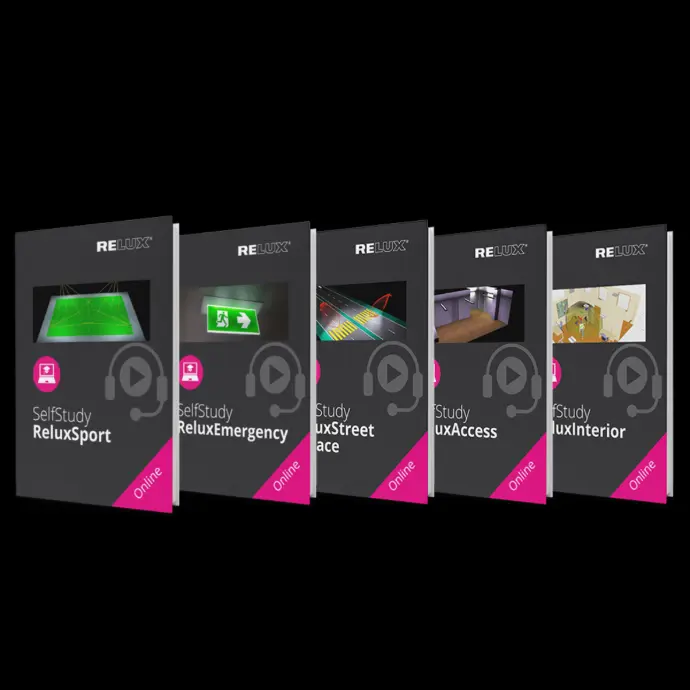
SelfStudy Guide
Learn how you will be able to access your Relux SelfStudies.
Follow the simple steps below to log in, find your course, and start learning immediately. This guide is designed to reduce confusion and help you begin your training quickly.
How to Access Your Relux SelfStudy Course
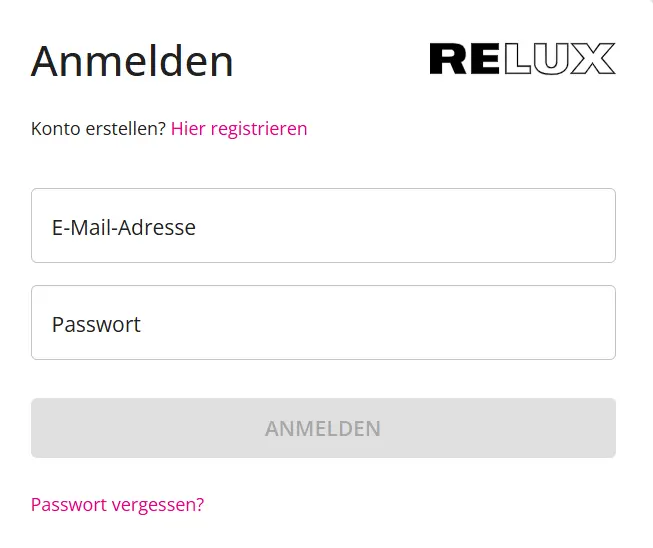
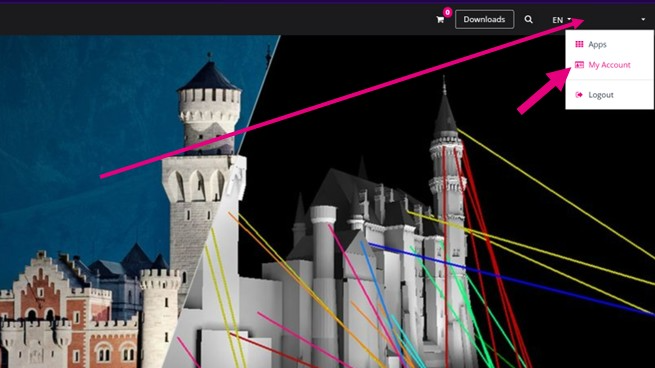
Go to the top right corner and hover with your mouse over your name. Use the drop down menu and click on My Account.
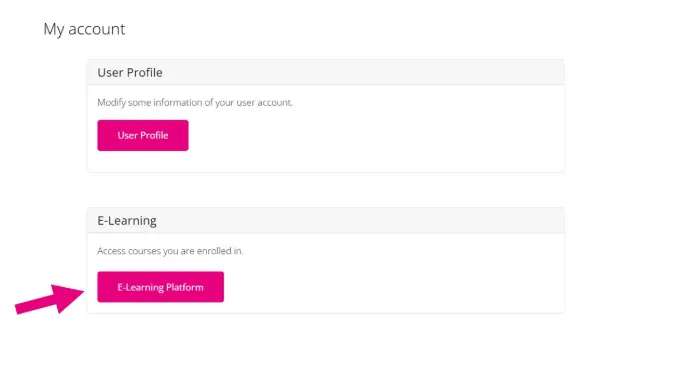
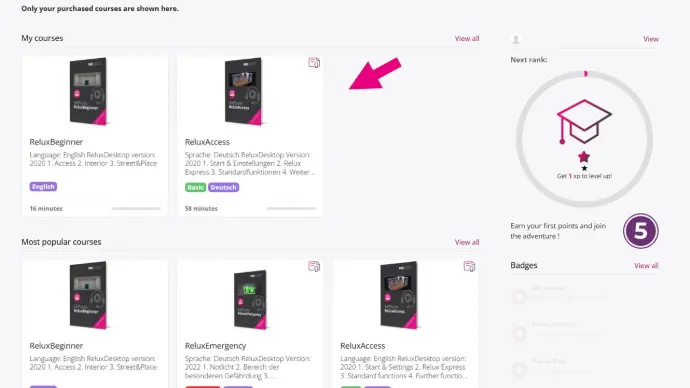
Search for the button E-Learning Platform and click on it. There you find your SelfStudies.
You have arrived on the Page where you can now work through your SelfStudy courses.
Contact Administrative Support
For questions regarding licenses, subscriptions, invoices, or user accounts – non technical issues