Knowledge DB – Subscriptions
Learn about the RELUX subscriptions.
How the RELUX Subscription Works
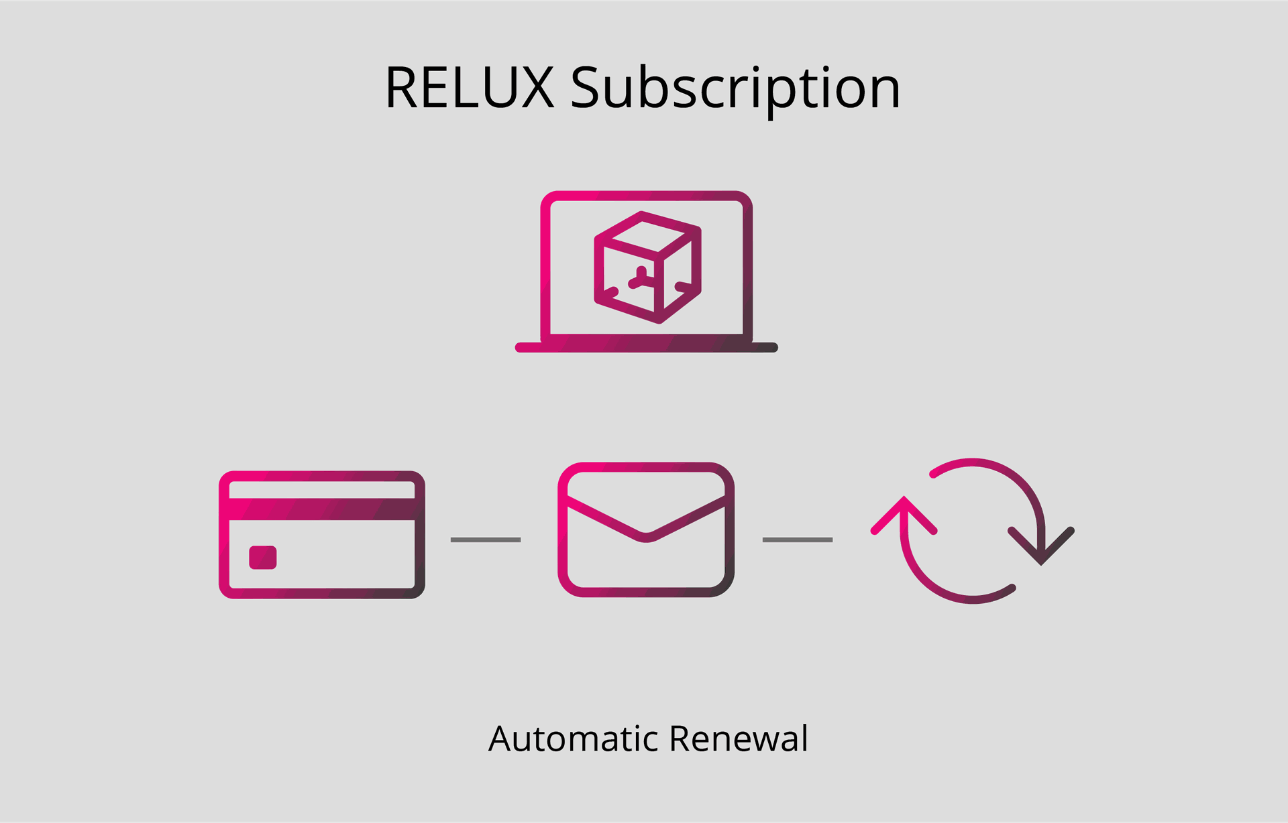
Renewal reminder
30 days before your licence expires, you will receive an automatic email informing you that your licence will expire in 30 days. This email includes all relevant information about your subscription (product, term, and expiration date).
Please note:
Automatic renewal can be deactivated up to 11 days before the expiration date. After that, you have the following options:
Credit card payment (automatic renewal)
If a valid credit card is stored and still valid, the amount will be charged automatically 10 days before the expiration date.
- If the payment is successful, your licence will be renewed automatically.
- If the charge fails, you will be notified by email and can complete the payment manually with a new credit card or by bank transfer.
Payment by bank transfer
If you paid by bank transfer in the previous year, you will receive a pro forma invoice by email 30 and 10 days before the expiration date.
- Once we receive the payment, your licence will be sent to you by email.
- Payment must be received before the expiration date to ensure uninterrupted use of your licence.
Payment by invoice
Payment by invoice is only possible for Swiss clients and members.
- If you paid by invoice in the previous year, you will receive the invoice by email 10 days before the expiration date. In this case, the licence will be renewed automatically, and the invoice must be paid accordingly.
Important information regarding the expiration date
If no payment is received by the expiration date, the licence expires automatically.
For technical reasons, expired licences cannot be reactivated. In this case, a new purchase is required.
Your customer account
All offers, invoices, and the current status of your subscription are available at any time in your profile under: Documents / Subscriptions
Send us your support request directly