Knowledge DB – Abonnements und automatische Verlängerung
Erfahren Sie mehr über die Abonnements und automatische Verlängerung.
So funktioniert das RELUX-Abonnement
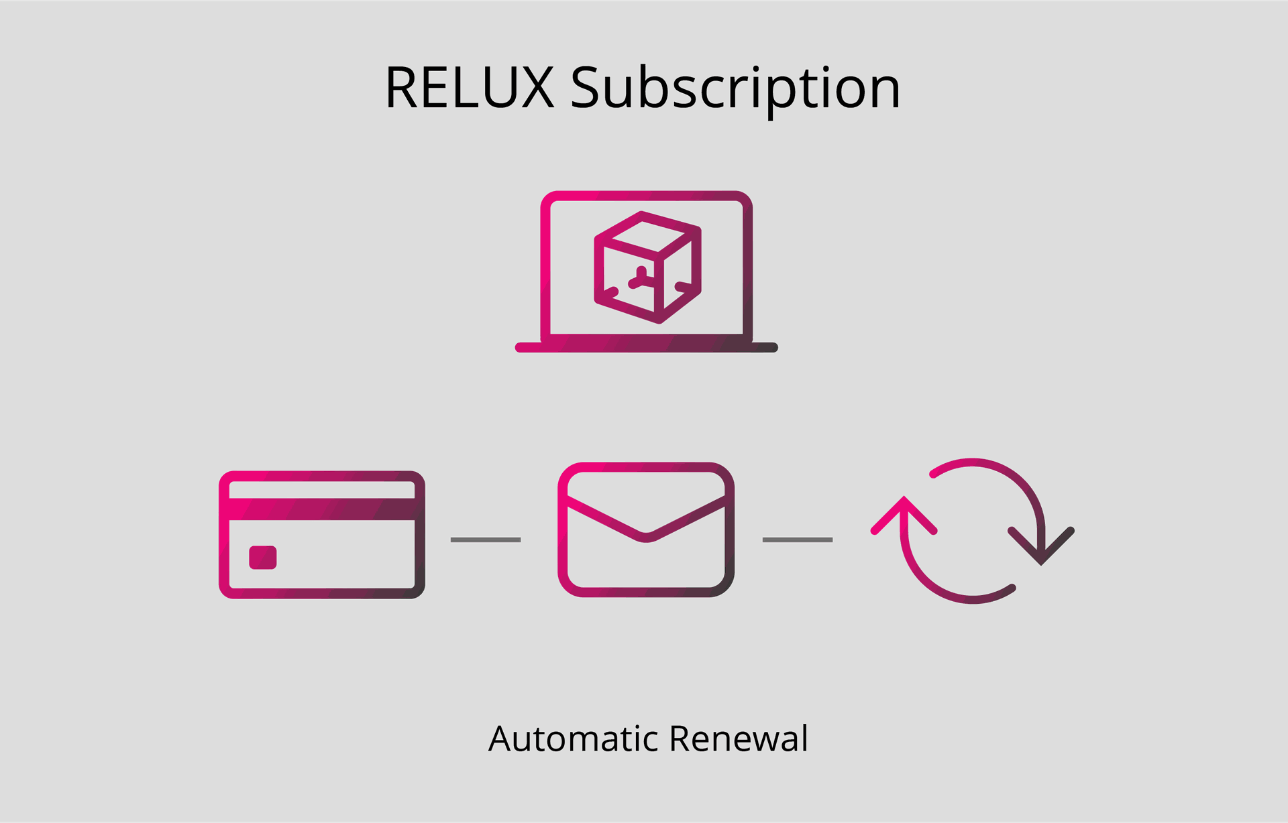
Erinnerung zur Verlängerung
30 Tage vor Ablauf Ihrer Lizenz erhalten Sie eine automatische E-Mail, in der Sie darüber informiert werden, dass Ihre Lizenz in 30 Tagen abläuft. Diese E-Mail enthält alle relevanten Informationen zu Ihrem Abonnement (Produkt, Laufzeit und Ablaufdatum).
Hinweis:
Die automatische Verlängerung kann bis zu 11 Tage vor Ablaufdatum deaktiviert werden. Danach haben Sie folgende Optionen:
Kreditkartenzahlung (automatische Verlängerung)
Wenn eine gültige Kreditkarte hinterlegt ist und noch gültig ist, wird der Betrag 10 Tage vor Ablaufdatum automatisch abgebucht.
- Wenn die Zahlung erfolgreich ist, wird Ihre Lizenz automatisch verlängert.
- Wenn die Zahlung fehlschlägt, werden Sie per E-Mail benachrichtigt und können die Zahlung manuell mit einer neuen Kreditkarte oder per Banküberweisung vornehmen.
Zahlung per Banküberweisung
Wenn Sie im Vorjahr per Banküberweisung bezahlt haben, erhalten Sie 30 und 10 Tage vor Ablaufdatum eine Proforma-Rechnung per E-Mail.
- Sobald wir die Zahlung erhalten haben, wird Ihnen Ihre Lizenz per E-Mail zugeschickt.
- Die Zahlung muss vor Ablaufdatum eingegangen sein, um eine unterbrechungsfreie Nutzung Ihrer Lizenz zu gewährleisten.
Zahlung per Rechnung
Die Zahlung per Rechnung ist nur für Schweizer Kunden und Mitglieder möglich.
- Wenn Sie im Vorjahr per Rechnung bezahlt haben, erhalten Sie die Rechnung 10 Tage vor Ablauf der Gültigkeitsdauer per E-Mail. In diesem Fall wird die Lizenz automatisch verlängert und die Rechnung muss entsprechend bezahlt werden.
Wichtige Informationen zum Ablaufdatum
Wenn bis zum Ablaufdatum keine Zahlung eingegangen ist, erlischt die Lizenz automatisch.
Aus technischen Gründen können abgelaufene Lizenzen nicht reaktiviert werden. In diesem Fall ist ein Neukauf erforderlich.
Ihr Kundenkonto
Alle Angebote, Rechnungen und der aktuelle Status Ihres Abonnements sind jederzeit in Ihrem Profil unter folgendem Menüpunkt verfügbar: Dokumente / Abonnements
Stellen Sie uns Ihre Support Anfrage direkt