We are looking for tutors in Australia and New Zealand. –> Apply online as a Tutor.
Professional lighting planning with Australian and New Zealand standards
Download ReluxDesktop and use it free of charge for projects with Relux member products.
Update 2026.2 available now
 ReluxDesktop – Professional lighting and sensor planning
A powerful and intuitive application for the simulation of artificial light and daylight
ReluxDesktop allows you to plan individual rooms, entire floors, industrial halls, or outdoor areas such as car parks, sports facilities, and roads – all in just one piece of software.
Calculate absolute values according to national and international standards, compatible with CAD and BIM systems. ReluxDesktop supports the import and export of different formats. You can also plan sensors using ReluxDesktop – the only software on the market that allows you to do so.
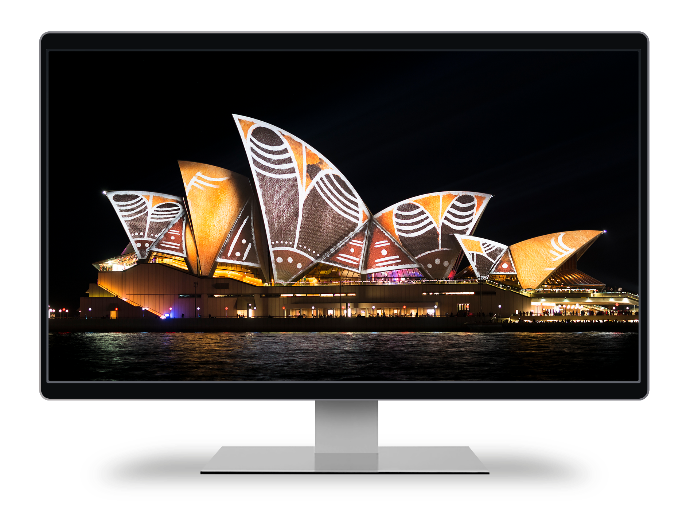
Supported Australian and New Zealand standards
AS/NZS 1680 Interior lighting
AS/NZS 2293 Emergency lighting
AS/NZS 1158 Road lighting
AS/NZS 4282 Obtrusive light
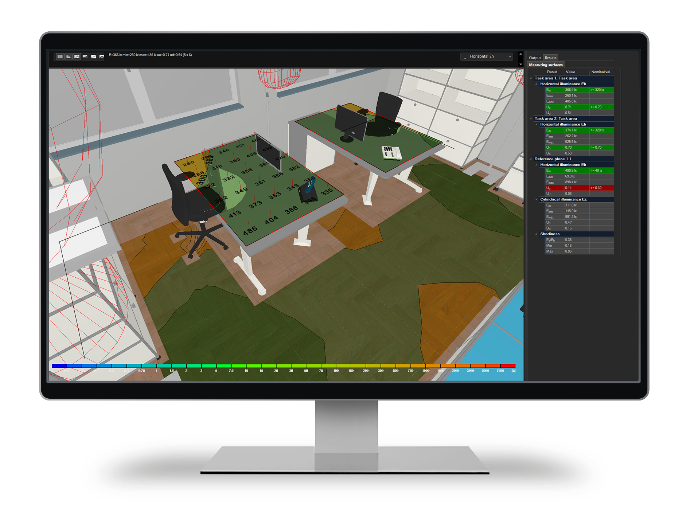
Plan with confidence using integrated standards
Relevant AS/NZS standards and assessment criteria are available directly in the standard selection. ReluxDesktop supports the appropriate assessment areas, target values and calculation outputs, helping lighting professionals review projects efficiently and consistently.
ReluxDesktop covers a wide range of international and national standards.
How do I select a standard in ReluxDesktop?
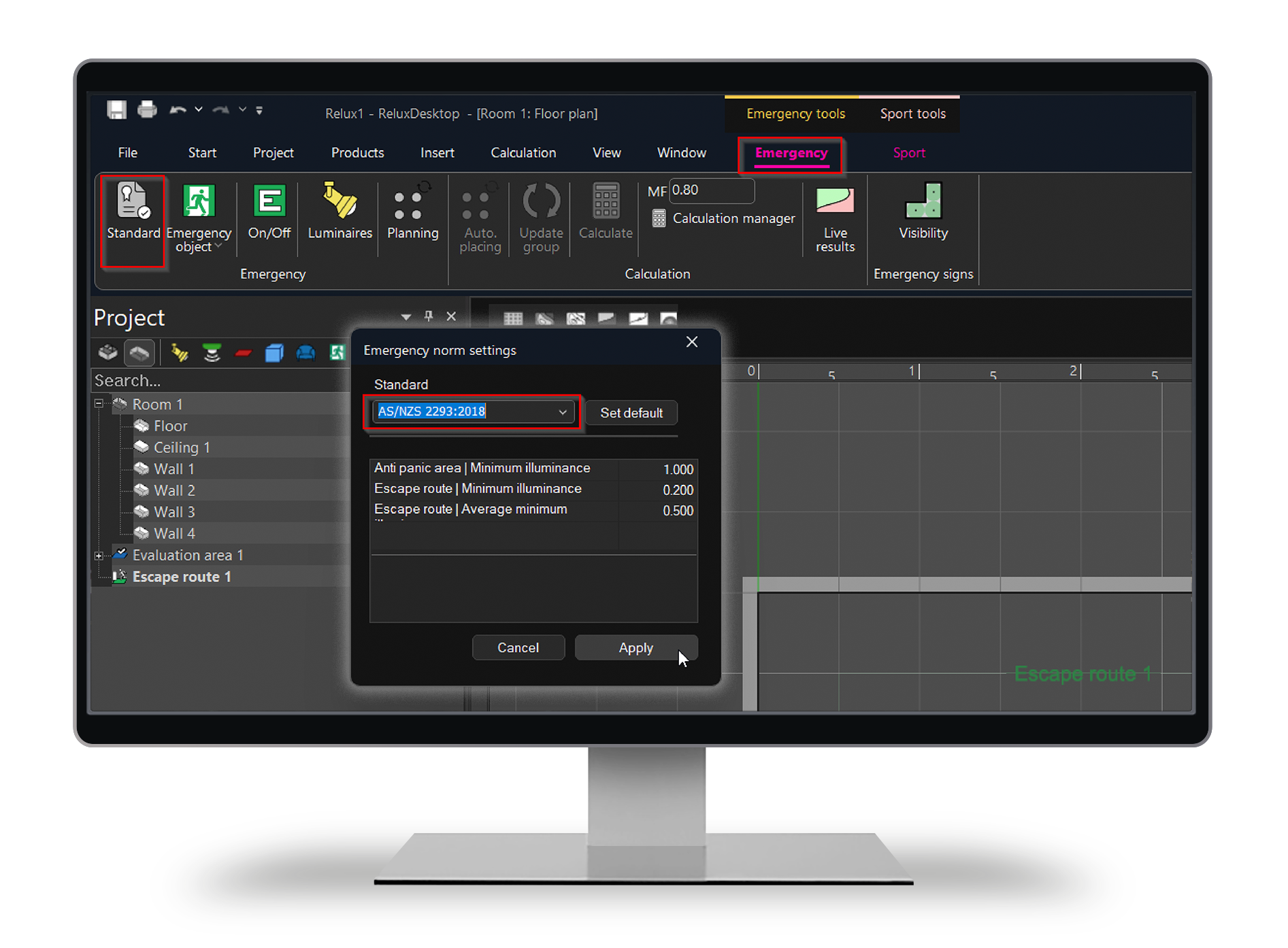
The latest standards are included by default in the current version of ReluxDesktop and do not need to be installed separately. The relevant standard can be selected directly for areas and rooms.
Example: AS/NZS 2293 for emergency lighting
First, insert an emergency area into the scene. The Emergency tab will then appear. Click Standard and select AS/NZS 2293.
You can also define your own standards in ReluxDesktop.
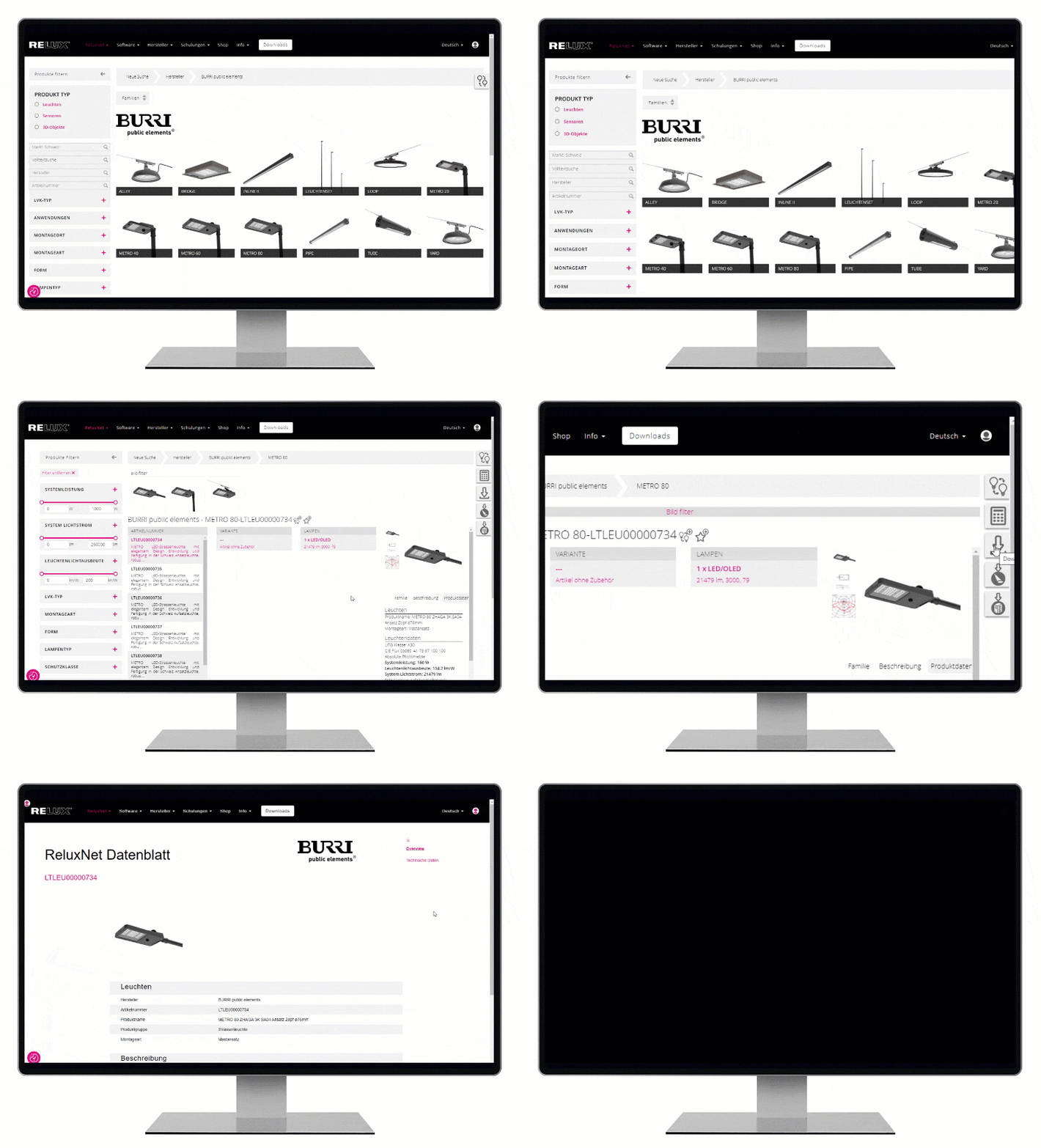
ReluxNet – the search engine for luminaires and sensors
A large number of luminaires and sensors are provided by Relux members on the database ReluxNet for planning purposes. Leading international manufacturers make over one million product versions and items of measurement data available on this online platform. The product data are also ported, in parallel, into additional data formats so that the users, can work with them in other applications too.
ReluxDesktop covers a wide range of international and national standards.
Free to use – even for commercial purposes
Thanks to the support of industry partners, the software is available free of charge.
ReluxDesktop can be downloaded and used free of charge
for personal, educational, and commercial projects featuring Relux member products.
Plan your projects with ReluxDesktop



Functions compared with other lighting design software
|
Function |
Other Software |
ReluxDesktop |
| Lighting design in accordance with standards |
National and international standards |
National and international standards |
| Planning for daylight | |
Integrated artificial-light and daylight simulation |
| Sensors |
– |
Integrated 2D/3D planning for presence detection and radial and tangential movement in accordance with IEC 63180 and sensNORM |
| Lighting management and product data |
ReluxNet, LDT, IES, iesXML, GLDF and ROLF, as well as functions for grouping, mirroring, aligning and arranging |
|
| Reporting und Output |
|
Standard-based drawings, tables, false-colour images, PDF, DWG/DXF, XLS, GAEB, JPG |
Obtrusive Light | Separate Add-on ReluxObtrusiveLight and ReluxSport | |
Sports lighting | Lighting classes, MAUR, scenes, multiple views and EN 12193 editions. Individual functions are Pro | |
Real-time visualisation | – | Real-time renderer by Enscape (free to use) |
BIM, IFC und Revit | – Some imports are available | IFC import and export, gbXML and bidirectional Revit workflow via ReluxCAD for Revit |
Supported file formats | DWG, DXF, SketchUp/LAiDex, as well as IES, CIBSE and EULUMDAT | DWG, DXF, IFC, gbXML, PDF, OBJ, 3DS, FBX, DAE, R3D, IES, LDT, GLDF, ROLF and XLS/CSV |
2D-to-3D modelling | – Import of existing 2D/3D CAD or SketchUp models | AI-assisted recognition of rooms, windows and doors from PDF plans, raster images, photographs or sketches. (free to use) |
Costs | Paid annual licence | ReluxDesktop is free to use, even for commercial purposes for projects with Relux member products. Special modules and certain product data are available as optional paid features. |
What sets ReluxDesktop apart?
Validated calculation results
Fast calculation results with multicore
Extensive luminaire and sensor database.
3D real-time renderer by Enscape
Free support and knowledge database
Interfaces with other programs (BIM)
ReluxDesktop 2026.2 Update
with new smart features
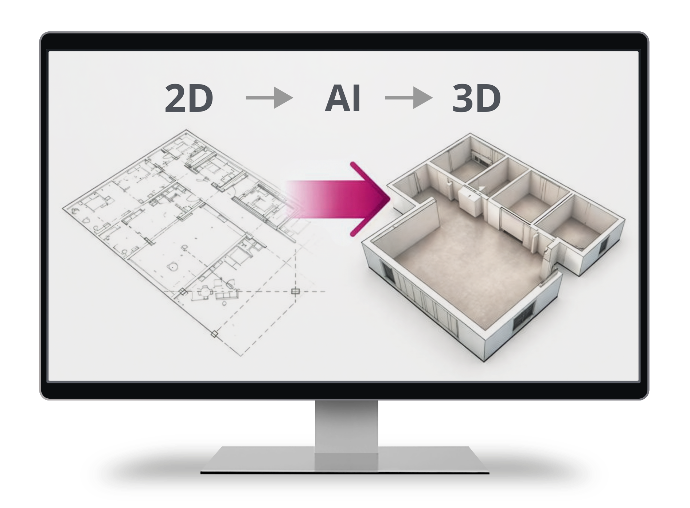
ReluxDesktop 2026.2 provides in the new update new smart features that support lighting planners and electrical planners in their day-to-day project work. The focus is on AI-supported 2D-to-3D conversion, AI image generation for lighting scenes and the integration of the emergency and safety lighting standard EN 1838:2024.
Read more in the latest blog post
Easy to get started with the software with online SelfStudy
RELUX provides SelfStudy training modules for each area and level to make it easy to get started with the software. Tutorials are regularly published on the website and on our YouTube channel. There are also regular free webinars in which current topics are discussed and explored in greater depth.
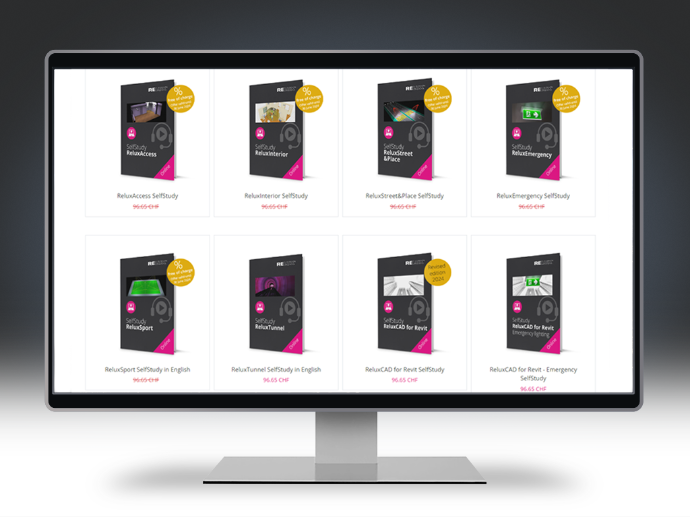
SelfStudy are available on the Relux Website and in the ReluxShop.
Supporting lighting professionals in Australia and New Zealand

"By integrating relevant Australian and New Zealand standards, ReluxDesktop provides lighting professionals with a strong foundation for efficient, standards-based planning. Its intuitive workflow and practical guidance make it easier to get started or transition from other lighting design applications."
Karim Daoudi, KAM & Head of Training
RELUX Informatik AG
FAQ – ReluxDesktop for Australia and New Zealand
Yes. ReluxDesktop supports professional calculations for indoor workplaces, outdoor areas, roads, sports facilities, daylight and sensors. Custom standards profiles and project-specific target values can also be defined and included in the project documentation.
Important standards include the AS/NZS 1680 series for interior and workplace lighting, the AS/NZS 1158 series for roads and public spaces, AS/NZS 4282:2023 for controlling the obtrusive effects of outdoor lighting and AS/NZS 2293.1:2026 for emergency lighting and exit signs. The applicable edition must always be confirmed against the project specification, building regulations and local authority requirements.
No. ReluxDesktop supports standards-compliant lighting planning by providing relevant assessment criteria, target values and calculation results. The lighting designer remains responsible for selecting the applicable standards, verifying project-specific requirements and ensuring compliance with local regulations and contractual requirements.
Yes. ReluxDesktop provides functions for calculating, automatically positioning and documenting emergency luminaires and escape routes. As the software’s current default requirements are based on EN 1838, projects in Australia and New Zealand must also be checked against AS/NZS 2293.1:2026 and the applicable building regulations.
ReluxDesktop can be downloaded and used free of charge, including for commercial projects. Charges apply only to optional specialist solutions such as ReluxObtrusiveLight, ReluxSport Pro, ReluxCAD for Revit and ReluxThirdParty.
ReluxObtrusiveLight supports the assessment of obtrusive light from sports facilities, roads, car parks, buildings and other outdoor installations. It calculates parameters including vertical illuminance, luminous intensity towards observer positions, façade luminance, ULR and UFR. For Australia and New Zealand, AS/NZS 4282:2023 is the key reference; as this standard is not currently included in the public RELUX standards list, the relevant project limits must be checked and entered accordingly.
Start planning with Australian and New Zealand standards
Meet our Distributor for Australia and New Zealand

Tony Bergen, RELUX Distributor for Australia and New Zealand
CEO, Photometric Solutions International Pty Ltd, Australia
Tony Bergen is a physicist and internationally recognised expert in photometry and radiometry, with over 25 years of experience in precision light measurement and calibration. He is President-Elect of the International Commission on Illumination (CIE) and a recognised contributor to international lighting standards, combining deep technical expertise with extensive industry experience.