ReluxDesktop – Activation and registration
ReluxDesktop is free of charge, it requires a ReluxNet account to use it.
Explanation
By starting the ReluxDesktop application for the first time, you will be prompted to sign in with your existing ReluxNet account or to create one for free.
For the the first time activation, you will need an internet connection to sign in.
Users with an existing ReluxNet account
In case you have a ReluxNet account and don`t remember the login credentials, you may select "Forgot password?" to request a new one.
You will receive an automatically generated email to reset your ReluxNet password.
In case you didn`t receive an email, please check your spamm / junk folder.
You will receive an automatically generated email to reset your ReluxNet password.
In case you didn`t receive an email, please check your spamm / junk folder.
Users without a ReluxNet account
If you don`t have a ReluxNet account, you can create one for free.
After creating one. you will receive an automatically generated email to confirm your registration. In case you didn`t receive an email, please check your spam / junk folder.
After creating one. you will receive an automatically generated email to confirm your registration. In case you didn`t receive an email, please check your spam / junk folder.
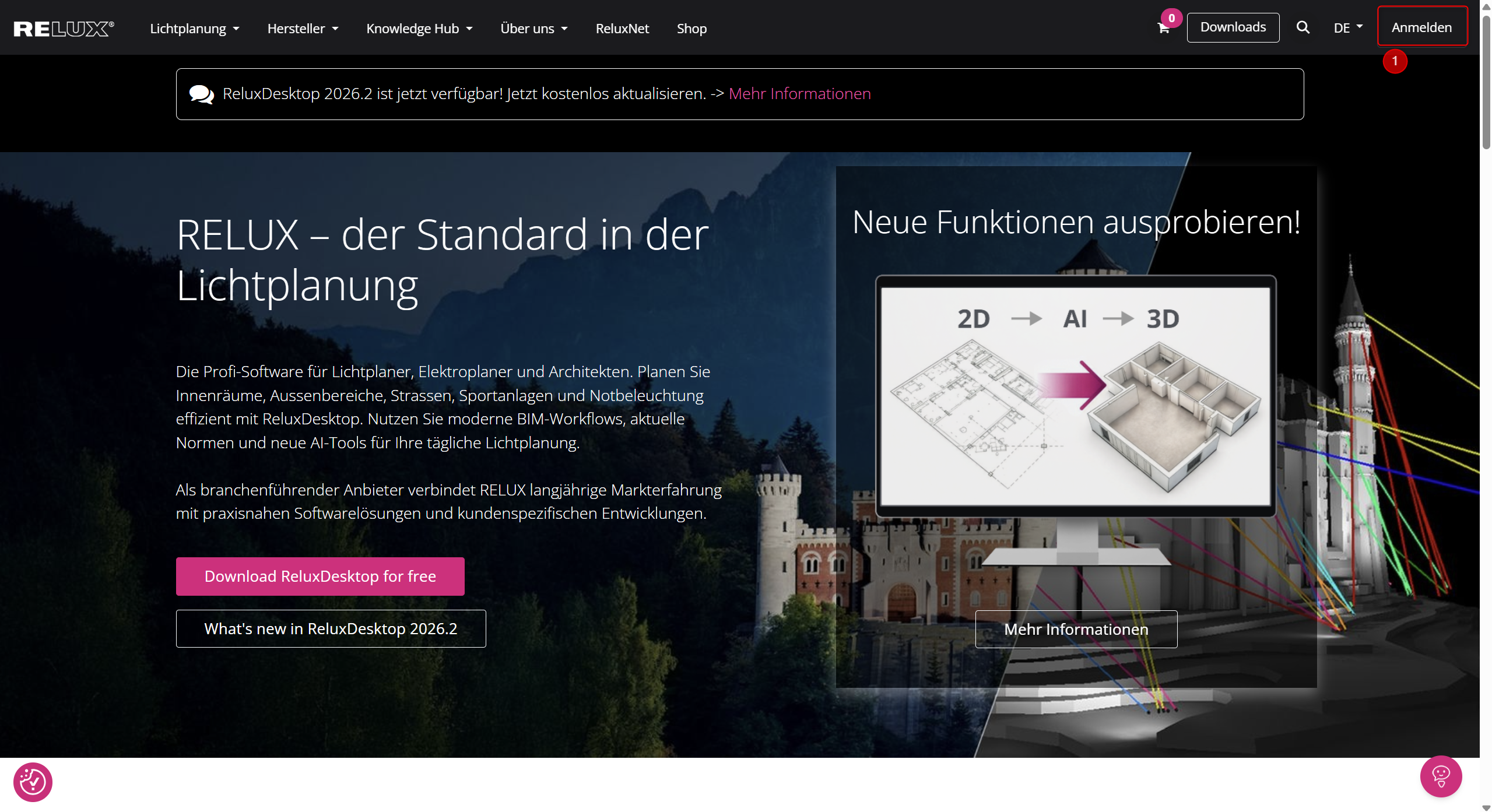
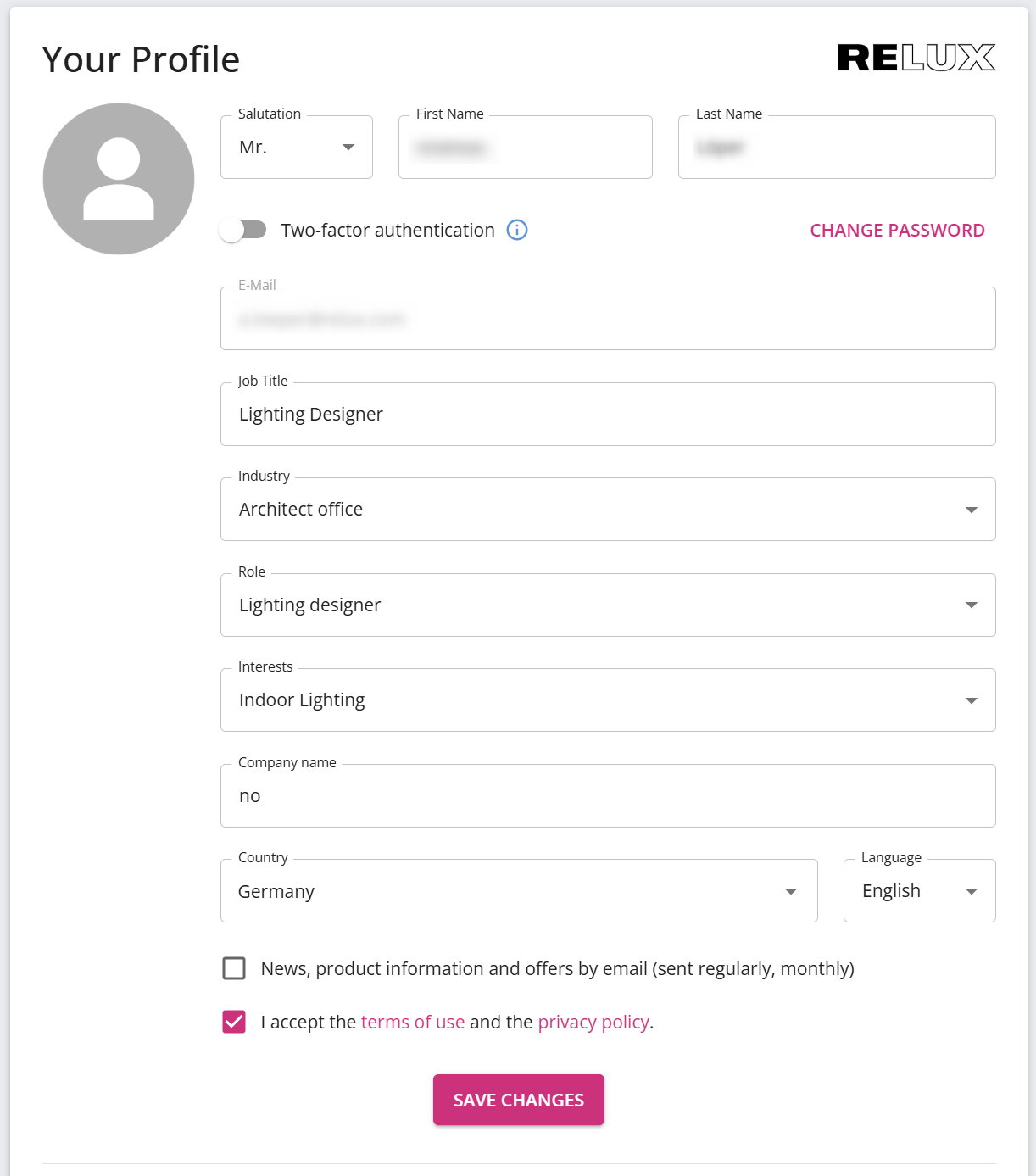
Please complete your profile entirely.
Note: After the first time activation, ReluxDesktop will remain signed in with the ReluxNet account even in offline mode.
You will remain logged in as long as you access the programme several times within a week. If a week passes between two sessions, you will need to log in again.
