ReluxCAD for Revit – Layout
Customise your layout.
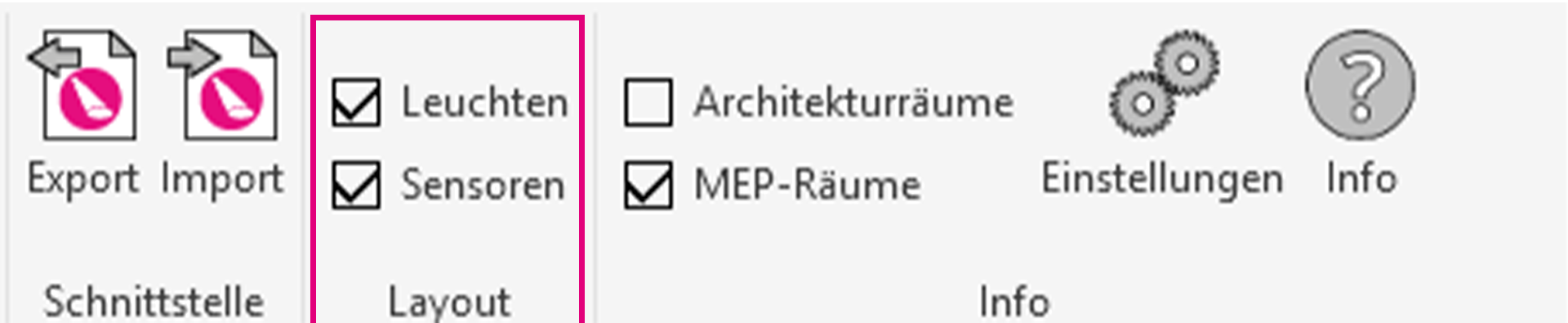
Set this flag so as to always have your luminaires and sensors under control.
The sensor detection zones are not depicted at the moment, since a new measurement procedure for PIR sensors is being tested on the market and will subsequently be implemented in the software.
Overview of ReluxCAD for Revit