ReluxCAD for Revit – Installation

How to install the plugin .

Compatible with Autodesk Revit Version starting from 2021.

After installing the ReluxCAD for Revit add-on, you will find the new icons under the "Relux"   main menu.
On the right-hand side is a list of the products taken over from ReluxNet
.
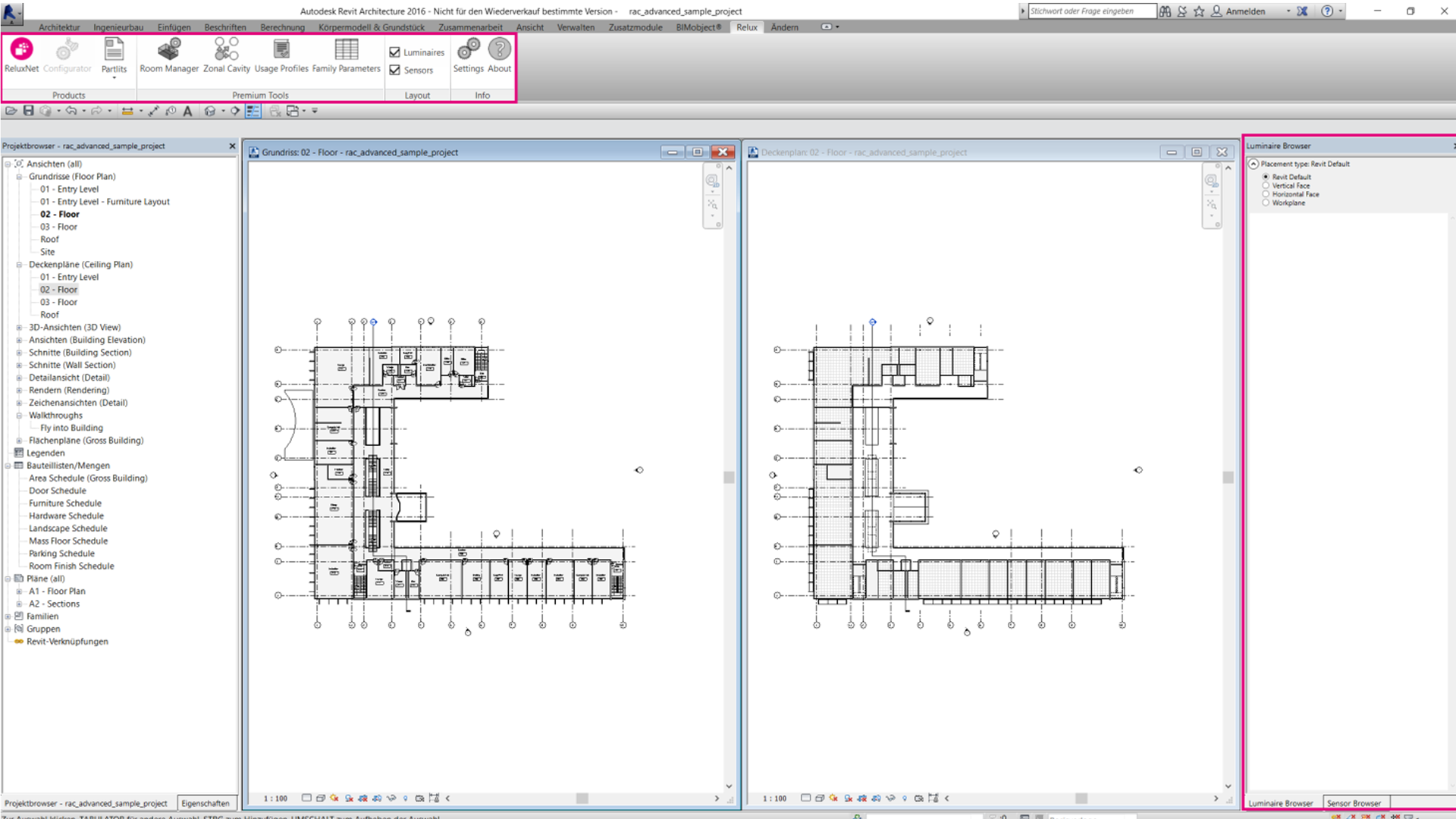
Full application window of Autodesk Revit displaying a floor plan view with the dedicated Relux menu ribbon highlighted in pink at the top, and the empty Luminaire Browser sidebar navigation panel highlighted on the right.


By selecting " About"  on the main menu you can find various Options regarding the Add-on licence, order one or activate it.
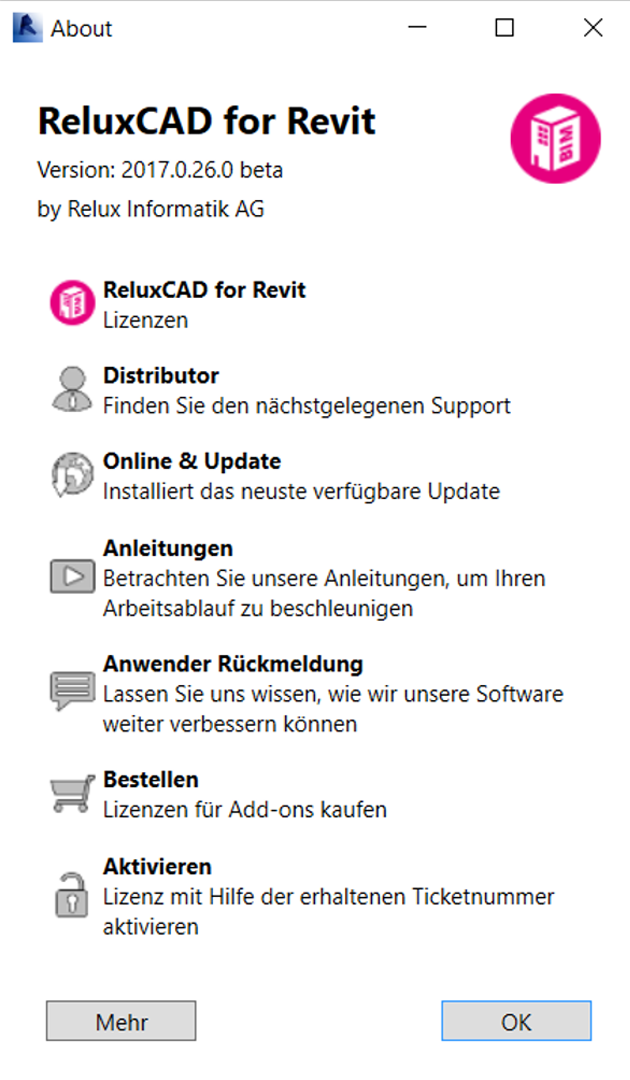
Screenshot of the German-localized "About" dialog window for ReluxCAD for Revit by Relux Informatik AG, displaying the software version alongside interactive list options for Distributor, Online & Update, Manuals, Feedback, Order, and Activate.


Overview of ReluxCAD for Revit


Need more help?

Ask Chatbot Luxi or submit a support request.