ReluxTunnel – Convert tunnel project into an exterior scene
Knowledge DB > ReluxTunnel > Calculation and output > Convert tunnel project into an exterior scene
You can quickly and easily transform your tunnel project into an exterior scene.
Explanation
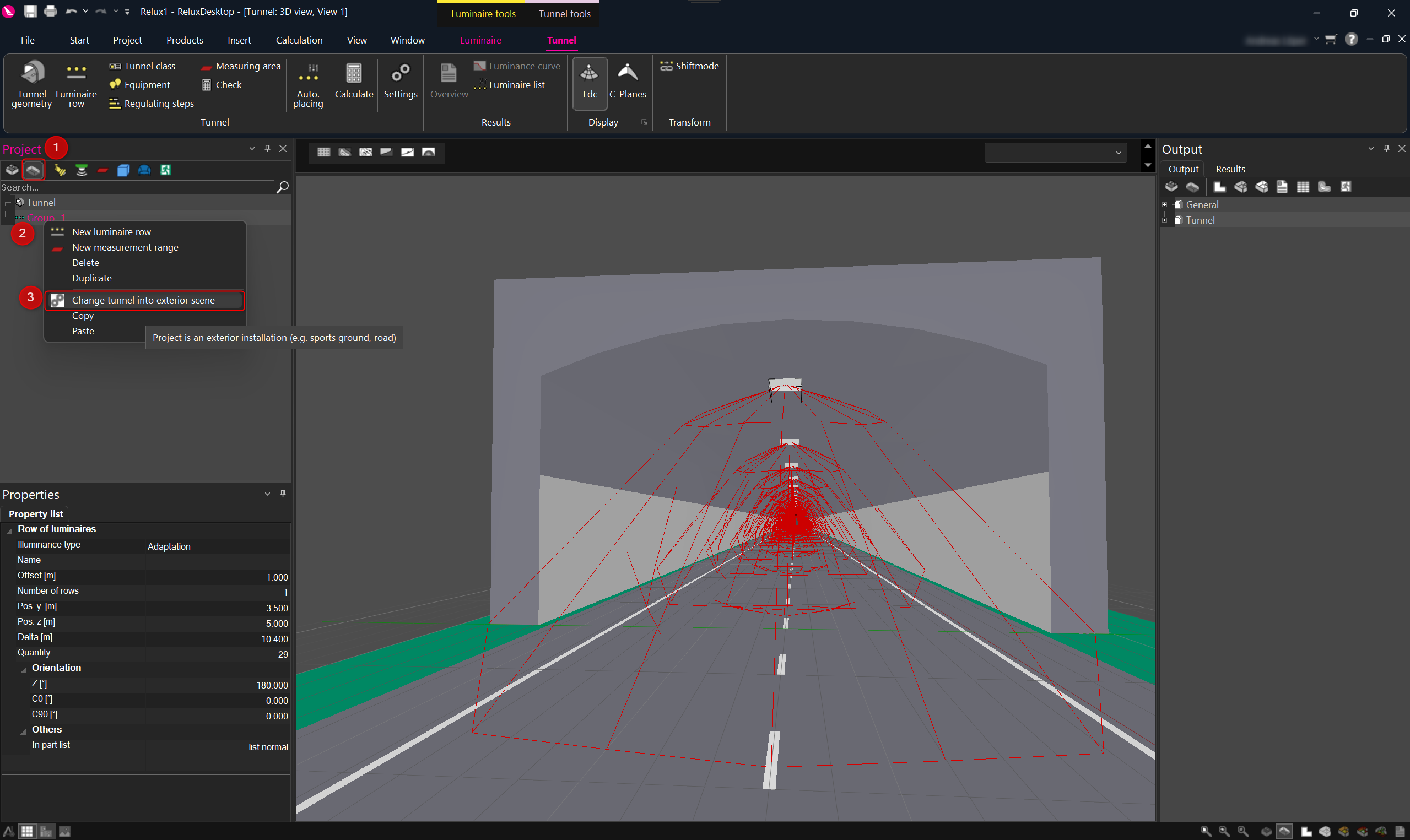
To convert your tunnel project into a standard
ReluxDesktop exterior project, right-click on the group
in the project tree
under the project scene (1,2).
Select "change tunnel into exterior scene" (3).