ReluxCAD for Revit Update 2026
BIM planning – with more automation, more control, less effort.
All new features at a glance
✅ EasySens – automatic sensor placement
✅ Aiming Tool – Intuitively align luminaires
✅ New output generator – plans at the touch of a button
👉🏼 Detailed overview
Download or test ReluxCAD for Revit
Update or download to the latest version of the Plug-in of ReluxCAD for Revit to take advantage of the latest features, such as the EasySens, aiming tool and expenditure generator.

The latest updates at a glance

EasySens – automatic placement
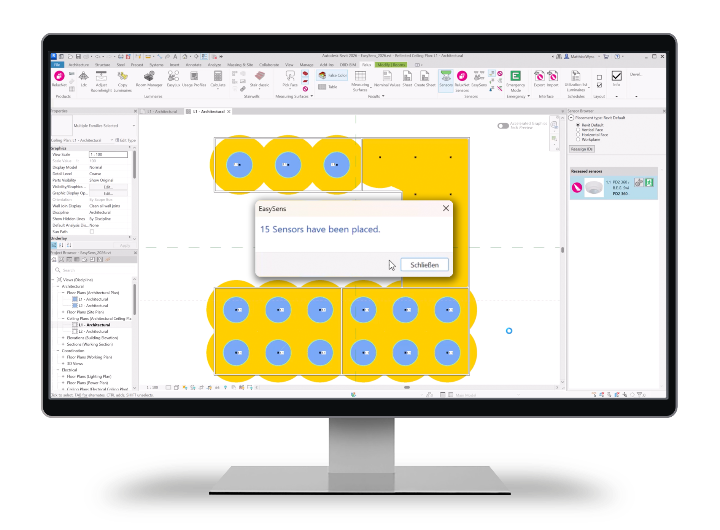
• Achieving a defined coverage level without manual readjustment
• Explicit placement at junctions for precise and traceable planning

Aiming Tool – Intuitively align luminaires
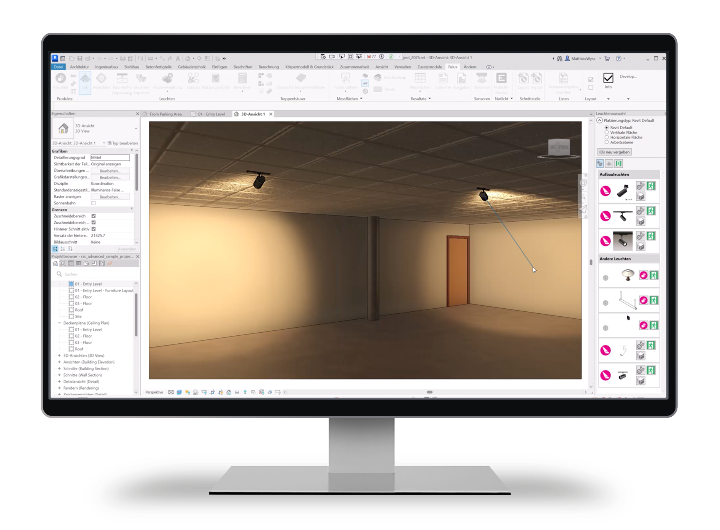
The new Aiming Tool enables precise alignment of luminaires. Perfect for lighting design with maximum control and minimum effort.
Your advantages
• Simple mouse click on the target point
• Immediate visual feedback during planning
• Significantly faster than manual angle or parameter adjustments

New output generator – plans at the touch of a button
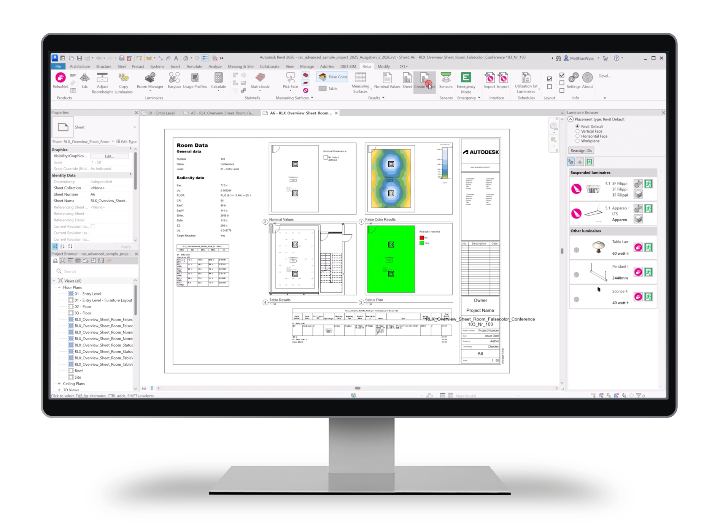
Your advantages:
• Automatic creation of plans per room, per floor or for the entire building
• One-pager with multiple views on a single plan
• Views for false colour and table results, status and installation plans, display of target values, parts lists, results lists and more
• Combined PDF output for clear documentation
• Individually selectable plan headers for project-specific requirements

«ReluxCAD for Revit 2026.1 removes repetitive work. Plan outputs, sensor placement, and luminaire aiming become faster, more consistent, and stay directly inside Revit.»
Matthias Wyss, RELUX Informatik AG
All news presented in the video

ReluxCAD for Revit – BIM planning
Book a free personal product presentation
Exclusively for new customers and those interested in lighting planning in Revit: learn in a free 30-minute online presentation how you can make lighting design work processes even more efficient with the help of the ReluxCAD for Revit add-on. Available in German, English or Italian.
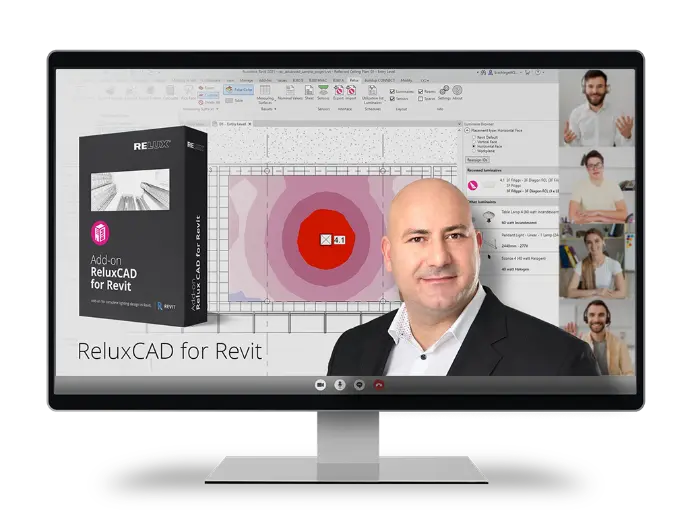
Try ReluxCAD for Revit for 30 days
ReluxCAD for Revit offers extensive lighting calculation functions directly in Revit, so that planners and engineers can carry out accurate and standard-compliant lighting calculations without having to leave the Revit environment.
Download