New 3D objects for sports projects on the ReluxNet database
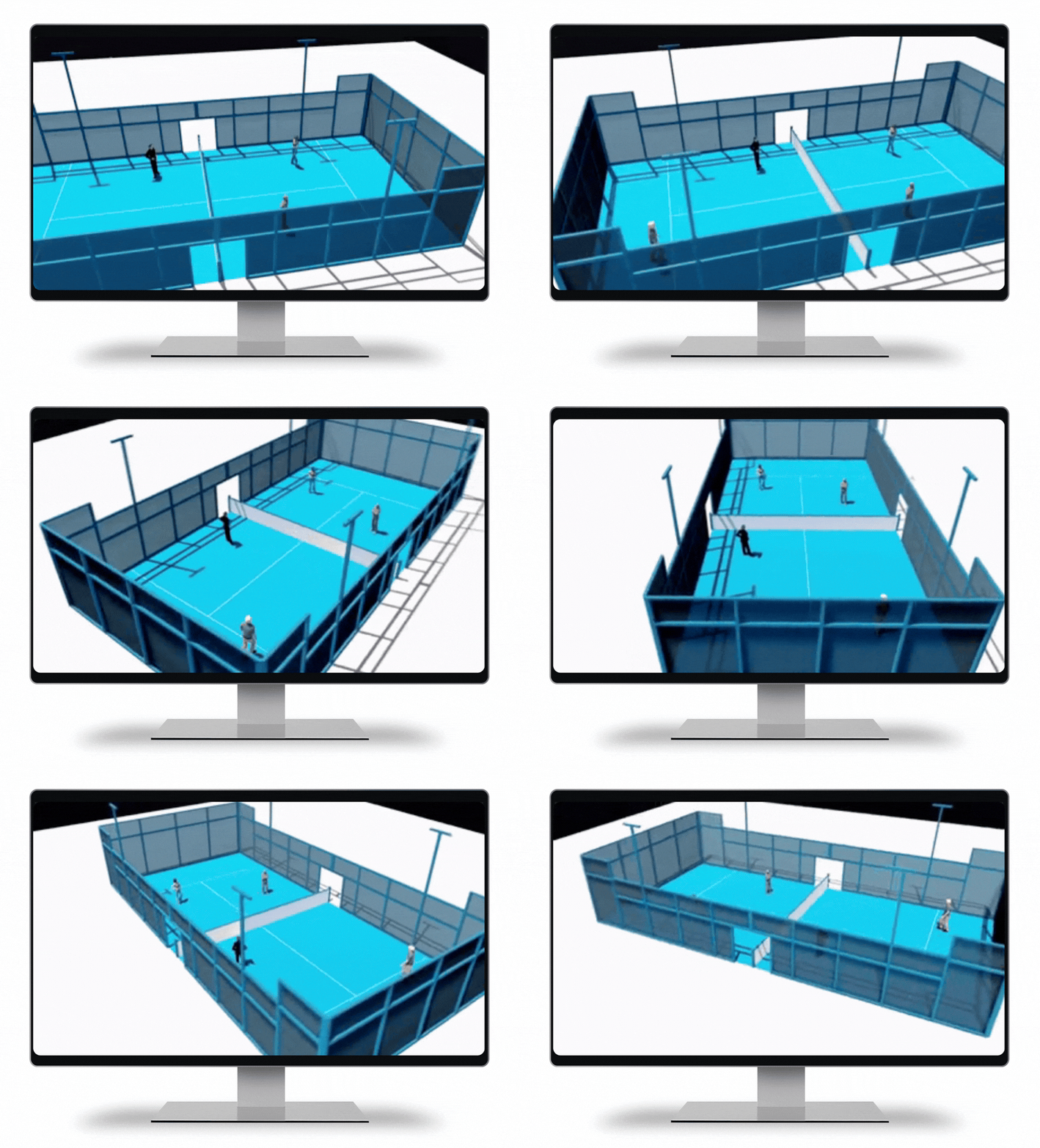
Lighting designers working on sports facilities often need more than luminaires. From sports fields to surrounding environments, realistic 3D objects help create convincing lighting simulations and presentations.
We are pleased to announce an update to the ReluxNet 3D object library, introducing new objects specifically designed for sports environments. With this update, the ReluxNet database now contains more than 1500 models, making it easier to enhance your lighting projects with detailed environmental elements.
These new objects are particularly useful for projects created with ReluxSport [Blog], where realistic sports environments such as fields, tracks, and surrounding infrastructure help designers better visualize and present sports lighting concepts.

New assets in the 3D database
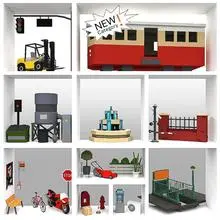
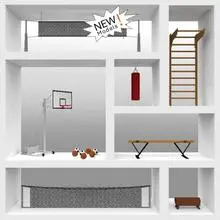
New categories for sports planning
The new sports category includes objects that help planners build realistic environments for sports lighting projects.
Typical use cases include:
- stadium lighting
- athletics tracks
- training grounds
- outdoor sports facilities
- public sports areas
These objects allow designers to quickly create context around luminaires and better communicate lighting concepts to clients and stakeholders.
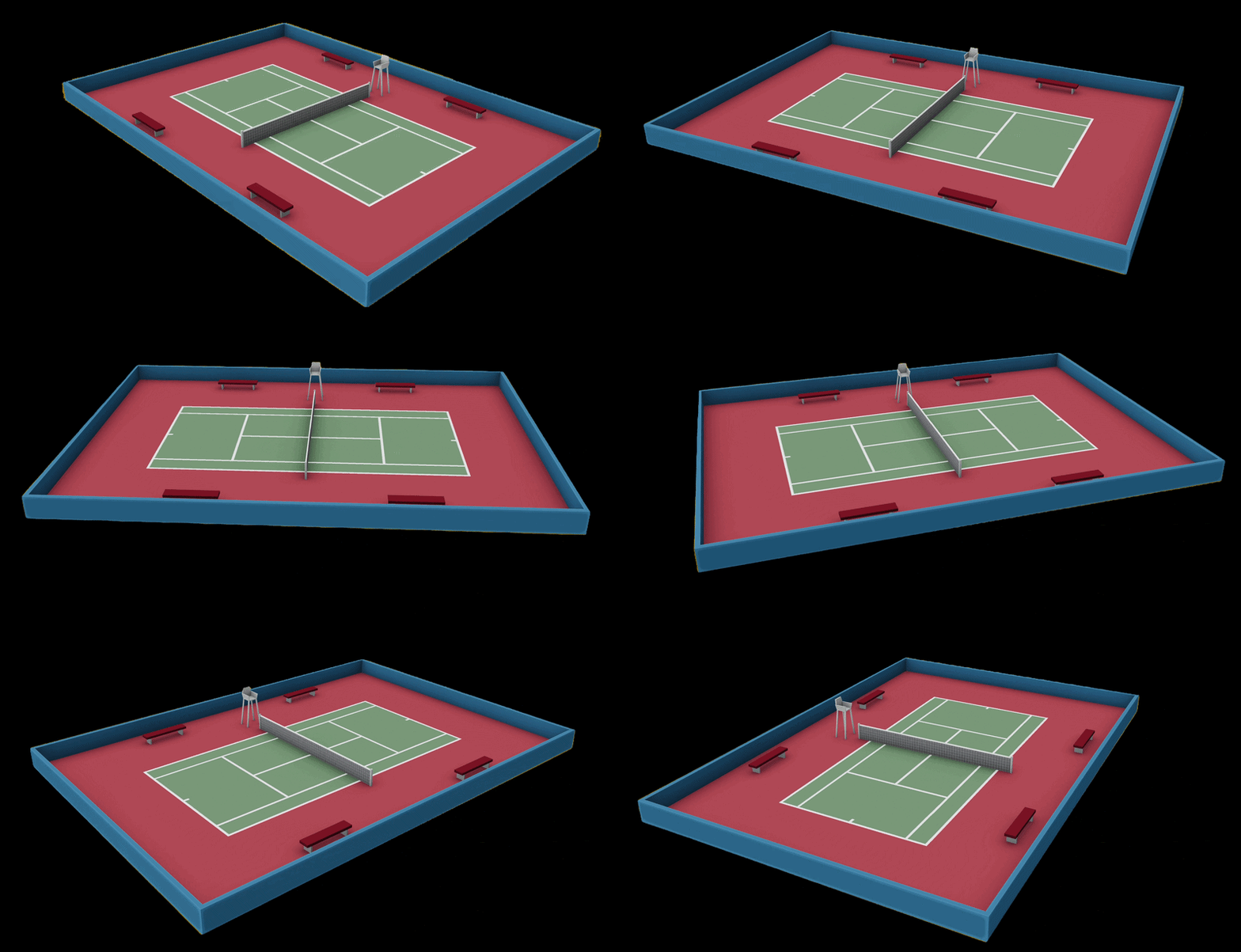
Download Tennis Court 3D file for ReluxDesktop
Find all 3D product data on ReluxNet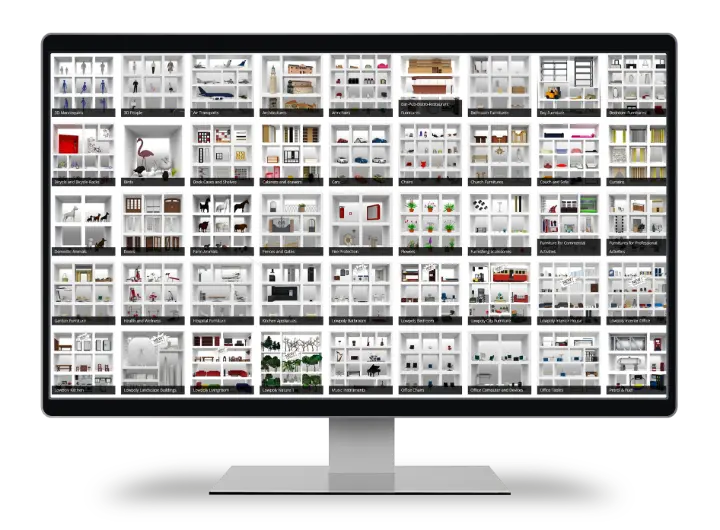
Are 3D elements missing for your project?
Then comment on our post on LinkedIn and let us know what you need.
Access to massive 3D library and materials from pCon.catalog
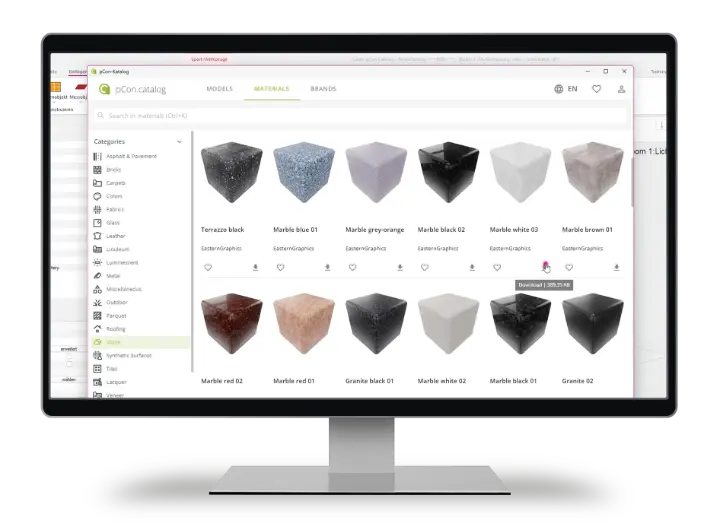
ReluxDesktop 2026 provides direct access to the extensive pCon 3D library
via Insert → 3D Object.
Browse and insert high-quality furniture, fittings, and interior objects directly into your project to create more detailed and realistic scenes for architecture and interior design applications.
With the pCon.catalog material library, you can transfer surfaces such as wood, metal, glass, fabrics, and stone directly into ReluxDesktop and use them in your planning. This is particularly helpful for presentations and for the visual assessment of lighting moods, reflections, and contrasts.

We create custom 3D objects tailored to your needs.
Whether you require specific geometries, optimized models, or project-based adaptations, we prepare your 3D data according to your exact specifications — ready to use in Relux.
Cristiano Guarnaschelli, Member Support
RELUX Informatik AG
How to Import 3D objects in ReluxDesktop
The following 3D file formats can be imported: 3DS, DAE, FBX, OBJ, DXF, and R3D
Knowledge Database
Get free access to all 3D objects and ReluxNet with ReluxDesktop.
Download ReluxDesktop 2026
Download the ReluxDesktop version 2026 and take advantage of the latest features, such as ReluxSport, pCon.catalog with a massive 3D data library and the IFC export.
Download

3D data preparation
for ReluxNet database
Would you like to have your luminaire data prepared for the 3D database?
Just ask us. We offer professional services for modelling and
conversion of your products into industry-standard formats
such as Mesh (3DS, DXF, Collada) and Solid (DWG, STP, SAT).
We will be happy to provide you with a quote.